
Give Mom Peace of Mind with Keera 2 Camera Baby Video Monitor

This is a sponsored post on behalf of Levana. Though I was compensated with product for my time, all opinions are my own.

When I had my first daughter (almost 14 years ago!) Monitors were pretty basic. You had 1 in the babies room, 1 wherever you were. There wasn’t video or a walkie-talkie feature to talk back and forth, or any awesome tech abilities like there are nowadays. In fact I’m pretty sure I spent like 5 years of my life of being a Mom waking up every hour in the night to go check on my kids (admit it, you did it – and maybe still do?? I don’t think I’ve slept through the night in over 14 years!)

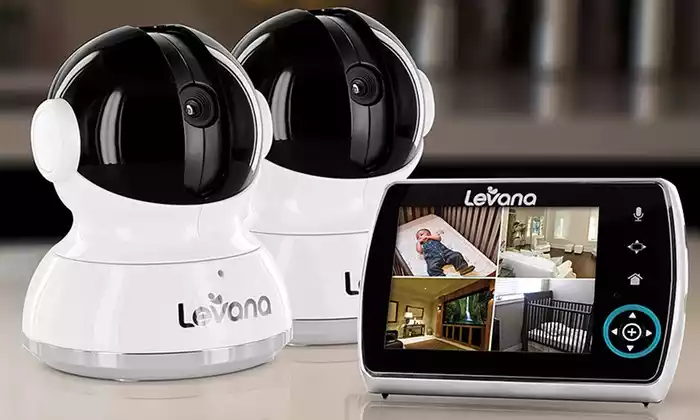
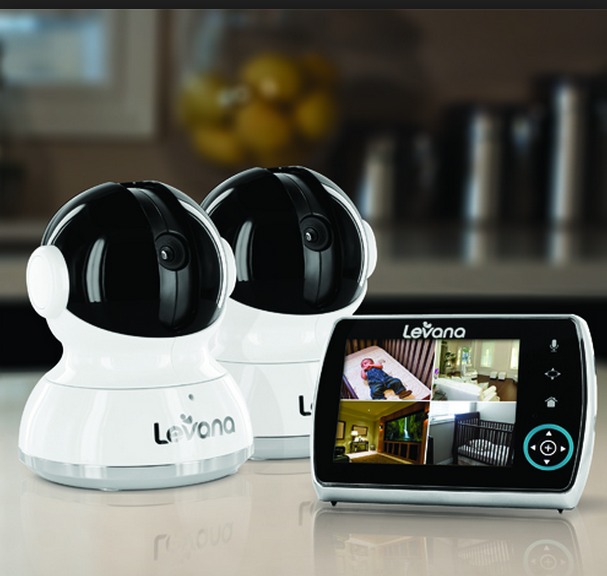
So I was told that the Levana Keera would be life changing when it comes to peace of mind while my babies sleep –  and that couldn’t be any more true.

Levana_baby_video_monitor

Levana_baby_video_monitorvideo_baby_monitor

Keera is Levana’s 3.5” touch panel Pan/Tilt/Zoom video baby monitor. The Keera monitor has the ability to record video and take pictures of your little one while viewing the live performance from your monitor. A powerful battery will last up to 24 hours while you and baby catch up on your extra winks. Touch panel buttons and simple graphic icons make selecting any of the many features easy and intuitive, even if you are distracted. Trust the Keera monitor to shed some light on the freedom that comes from doing more knowing your child is safe. . 

Let me tell you – one of the most awesome features about this monitor is the 2 way talk system. If you have a toddler or preschooler who is also in the room, this saves a lot of heart ache with the back and forth  – or the up and down the stairs if you have a house like mine. The “Mom I need a drink”, or “I heard a noise” can easily be handled through the speaker system.

Another favorite feature of the Keera video monitor is the ability to pan/tilt/ and zoom. You don’t have to worry about keeping your video  camera directly focused on the crib or bed at all times -the touch screen allows you to move the camera to whatever part of the room that you need to check out, easing your mind and allowing you to check up on your little one, even if they are out of bed!

The system is on sale for only $149.99 through the Levana website. This is a great baby shower gift, or even an investment for your children. I can see me using this for awhile – as my child grows out of the crib and into a toddler bed, and then to check on them each morning, or even keep an eye on them while they are playing, or while I’m in the shower.

The video feature is great, not grainy,  and the battery lasting a full 24 hours is a great bonus too! I’d definitely add this  to your baby registry if you are an expectant Mom, or even to  your Christmas list if you have a  little one at home!

Posted in Parenting, Techy | Leave a comment

Protect Your Vehicle with the VersaVia Seat Cover

This is a sponsored post on behalf of VersaVia. Though I was compensated with free  product for my time, all opinions are my own.

As many of you know I recently got a new vehicle – so obviously I am a bit concerned about keeping my new vehicle new for as long as possible…which with kids, well that’s more than just a challenge. Especially with my 7 year old – who likes to snack in the car and then leave his mess behind him. I cannot even begin to tell you how many times I’ve found smushed and smashed up food in my seats! Trust me, it’s not the easiest to clean up either. So when I was offered the chance to review the VersaVia car seat protector, I was ecstatic.

versa_via

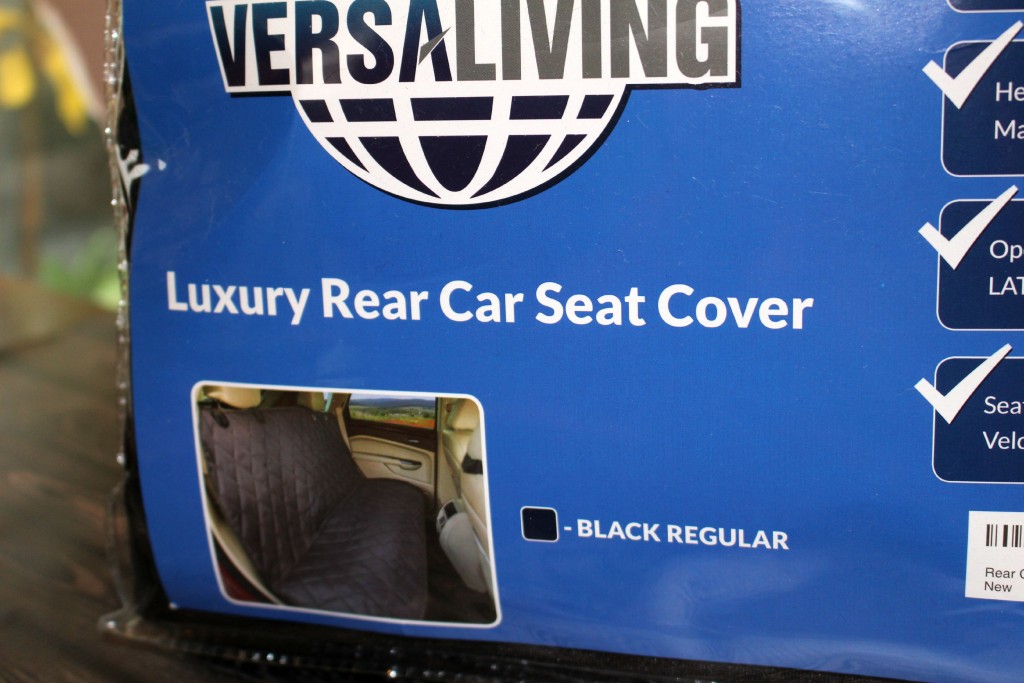
The VersaVia Back seat cover not only  helps protect your vehicle from your kids mess, but also to avoid seat tears and punctures and scrapes from car seats and other cargo. What I love about the VersaVia is the secure nonslip backing and seat anchors to keep the cover from budging.

The custom material holds dirt and moisture without soaking in (talk about a win!) So if you are transporting dirty wet kids (or pets) you still don’t have to worry about your seats getting wet or muddy.

versavia

The other great thing about the VersaVia is that it fits most vehicles; it has a fitted skirt that wraps all the way around the bottom and sides of the seat. It’s also really easy to clean most messes  clean up with a damp cloth, vacuums easily without having to remove it, but if you need to you can pull it off and throw it right in the wash!

The VersaVia comes with a LIFETIME WARRANTY – if you have any issues, contact them RIGHT AWAY, and they will make it right!


Posted in Cleaning & Organizing, Reviews/Giveaways | Leave a comment

Get Organized with Epson LabelWorks

This is a sponsored post on behalf of Epson. Though I was compensated with product for my time, all opinions are my own.

This school year my kids are spread out all over town at 3 different schools. Our mornings went from difficult to very difficult. With after school activities all over town, bus schedules that look like NYC, this Mom is more than a bit overwhelmed. So one of my goals this year is to get organized to keep myself from, well losing it.

One of the biggest frustrations that we’ve been facing each night before bed is the kids fighting over chargers for their phones or laptops. No matter how many times I ask them to keep their chargers in certain spots, they never are there when they need it!

I can’t tell you how many times they can only find one phone charger, one laptop charger, or my son can’t find my iPad charger. It’s more than frustrating, especially since I’m usually busy trying to get things prepared for the next day! “It’s mine!”, “NO, that one is mine.” and so on and so forth as you can imagine – it just adds to my stress!

epson label

So I was super excited when I received the Espon LabelWorks Cable & Wiring Kit.. We have cords and chargers absolutely everywhere. I actually have a ziplock bag of chargers that I have no idea what they belong to, but I’m afraid  to throw them away.. that is not a way to get organized. I knew labeling would be a good idea, but I wasn’t sure what was the best way, until I tried out the LabelWorks Cable & Wiring Kit.

epson_label_works

Customized, printed labels help you identify computer, printer and router cables behind your desk. And, hooking up your entertainment center after maintenance is a breeze with clearly labeled AC adapters, DVR cables and TV wires. Easily organize all your electronic devices, including phone cables and light switches. For asset tagging, create and print bar codes, from 39 to 128 and six other types. With easy-peel backs, labeling and organizing is quick and saves you time and guesswork later. Plus, Epson’s durable flag and wrap style labels last a long time and suit every electronic organizational need.

I was able to label the kids phone chargers, laptops, the iPads, the Xbox cords, Kindle cords, GPS charger, camera cords, etc you name it, it is now officially labeled! I individually labeled the kids chargers so they no longer can fight over whose is whose, and I no longer have to dig through that Ziplock bag  trying to find what I need. It saves a ton of time – and even better, a ton of headache!

Check out all the other awesome Epson products  – like the Epson Iron-On Kit, Epson Safety Kit, or Epson Printable Ribbon Kit available online now!

Posted in Cleaning & Organizing, Techy | Leave a comment

Lane Bryant Dresses – 50% OFF

Lane Bryant 50% Off Dresses

Posted in Deals | Leave a comment

Pumpkin Muffins with Maple Glaze & Candied Pecans

Pumpkin Muffins

Ingredients:

3 C flour
1 1/2 TBSP Pumpkin Pie Spice
2 tsp baking soda
1 1/2 tsp salt
3 C sugar
15 oz of Pure Pumpkin
4 eggs
1/2 C coconut oil
1/2 C water

Directions:

-Preheat oven to 350 degrees. Line cupcake tins with paper liners.
-Whisk together the flour, pumpkin pie spice, baking soda, and salt.
-Mix sugar, pumpkin, eggs, oil and water in a large mixing bowl. Mix just until just blended.
-Add the dry ingredients into the wet ingredients stirring until just moistened.
-Scoop batter into paper lined  cupcake tins until they are filled 3/4′ s of the way to the top.
-Bake at 350 degrees for 25-30 minutes or until an inserted toothpick comes out clean.
-Allow to cool in cupcake tin for 10 minutes.
-Remove from cupcake pan and place on a wire rack until completely cooled.

Pumpkin 5-4

Maple Glaze

Ingredients:

1/2 cup pure maple syrup
2 tablespoons butter
1 tablespoon milk
1 teaspoon vanilla extract
1 cup powdered sugar

Directions:

-In a saucepan add the maple syrup, butter, and milk to a boil over medium heat. Stir constantly.
-Continue stirring and bring to a boil for about 2 minutes.
-Remove from heat and whisk in vanilla.
-Whisk in powdered sugar until smooth about 3-5 minutes.
-Use when still warm.

Candied Pecans

Ingredients:

1½ TBSP packed brown sugar
1½ tsp water
⅛ tsp vanilla
⅛ tsp sea salt
1 C  small chopped pecans pieces

Directions:

– Combine brown sugar, water, vanilla, and kosher salt in a small sauce pan stirring constantly.  Set this sauce pan next to this burner
– Toast pecan pieces in a large saucepan over medium heat for 2-3 minutes, stirring occasionally.
-Pour the glaze into the pan on top of the pecans, stirring the nuts as you pour. Stir constantly until the pecans are thoroughly coated in the sugar mixture (glaze). So the pecans won’t burn remove them quickly off the heat. Immediately remove from heat so they don’t burn.
-Line a cookie sheet with  parchment  paper. Pour the coated pecans on to the lined cookie sheet to cool.
–The pecans will be slightly sticky at first, but the coating hardens further within a few hours.
– The pecans can be stored in an airtight container.

Glazing and topping pumpkin muffins:

*After you have dipped the top of the muffin into the maple glaze immediately dip it into the candied pecan bowl.

pumpkin_muffins

Posted in Holidays, Recipes | 2 Comments